iPhone訊息App用DALL·E生圖:iOS 18.2新技!

Ai

🎨 Nano Banana Pro 圖像生成器|打幾句說話就出圖

想畫人像、產品圖、插畫?SSFuture 圖像生成器支援
Flux Gemini Nano Banana Pro 改圖 / 合成
打廣東話都得,仲可以沿用上一張圖繼續微調。

🆓 Flux 模型即玩,不用登入
🤖 登入後解鎖 Gemini 改圖
📷 支援上載參考圖再生成
⚡ 每天免費額度任你玩

✨ 即刻玩 AI 畫圖

A dynamic, ultra-realistic action shot of a snowboarder performing a high-air jump on a snowy mountain slope. The rider wears a bright green winter jacket, black snow pants, gloves, and a dark beanie, with reflective goggles catching the cold mountain light. A cloud of visible breath escapes from the rider’s mouth in the freezing air. Snow explodes upward from the snowboard, creating sharp, frozen particles suspended mid-air. The background features a dramatic high-altitude landscape with forested slopes and distant mountains under soft, cold blue lighting. Capture cinematic contrast, DSLR realism, 85mm lens, f/2.8, crisp details, slow-motion energy, dynamic composition, atmospheric depth, high-clarity sports photography.
Create a hyper-realistic 8K close-up body portrait of a male model, using the uploaded photo as the exact facial reference. Maintain 100% accuracy of the facial features — do not alter or modify any aspect of the face. Render the skin texture, lighting, and overall composition with photo-realistic detail, ensuring lifelike color tones and natural depth of field. A man with his original hairstyle, he is standing confidently, hands in his pockets, looking directly at the camera. He is wearing a simple, light beige crew-neck sweater and dark trousers.
He is positioned between two decorated Christmas trees. The tree to his left is adorned with gold and white ornaments and warm lights, with wrapped red and gold gifts visible at its base. The tree to his right is decorated with red and gold ornaments. The background shows a warm, indoor setting, likely a home, with soft lighting, creating a festive and inviting atmosphere. The overall impression is one of relaxed holiday cheer.
Create a sticker set maintaining 100% of the woman's original facial features from the provided image. Do not alter the face, focusing on ultra-realistic details of the facial structure, eyes, eyebrows, nose, mouth, and expression. The final face must be realistic, not cartoon-like. She has long, voluminous hair.
1. Makeup:Maintain Original Face: We will preserve the structure of your face, eyes, eyebrows, nose, mouth, and expression as closely as possible to the original image to maintain naturalness and uniqueness, while adjusting the tone to be softer:

Eyes: Slightly reduce the sharpness of the Cat Eye eyeliner to a thin line close to the lash line for a softer look, while still maintaining eye definition.
Eyeshadow: Use natural tones like light brown, peach, or beige.
Eyebrows: Original shape, but brushed up to look softer and more natural.
Lips: Glossy, pink-tinted, nude-pink, or coral-toned lipstick/tint to make the lips look full and moisturized. Focus on a bright but not overly intense look.
2. Hairstyle:Natural Voluminous Long Hair: Her hair is long and flowing, but the styling will emphasize natural volume and movement. Soft, natural waves.
3. Outfit:

Attire: A white open-back bodysuit paired with distressed, faded blue denim shorts. There is a message "Kunika" on the shirt.
Shoes: Elegant, simple open-toe flat sandals.
Accessories: Styled freely and fittingly for each scene.
4. Poses & Sticker Elements:Poses: Various poses such as waving, jumping, walking playfully, reading a book, holding up a sign, cheering with both hands, stretching, or making a celebratory gesture, to create a cheerful and friendly atmosphere.Decoration: Include elements like small rainbows, sparkling stars, clear bubbles, hearts, balloons, or light-colored dots to decorate and enhance the fun of each sticker scene.Style: Thin black border around the sticker. Use a modern, rounded 'Itim' style font for the text.Text: Add short emotional phrases written in a cute, beautiful script near the sticker (no speech bubbles/text boxes):

"Hello"
"Love you"
"Submitting work"
"Great"
"Got it"
"Thanks!"
"Wait a sec"
"Ready to care"
"Fight"
"Let's do it"
"So cute"
"OK"
"Sweet dreams:
"Get well soon"
"555"
"You're welcome"
"HBD" 
"OMG" 
"Sorry"
"Got a headache" 
Guidelines: Do not include a text box. Ensure balanced composition with sufficient white space—not cluttered. Match the pose to the text.
Emphasis: Reiterate 'maintain 100% of the original face features from the provided image,' 'ultra-realistic facial detail,' and 'professional studio lighting on face (realistic face, not cartoon face).

Use Cantonese in the stickers.

如何在iPhone的訊息應用程式中使用DALL·E生成圖片

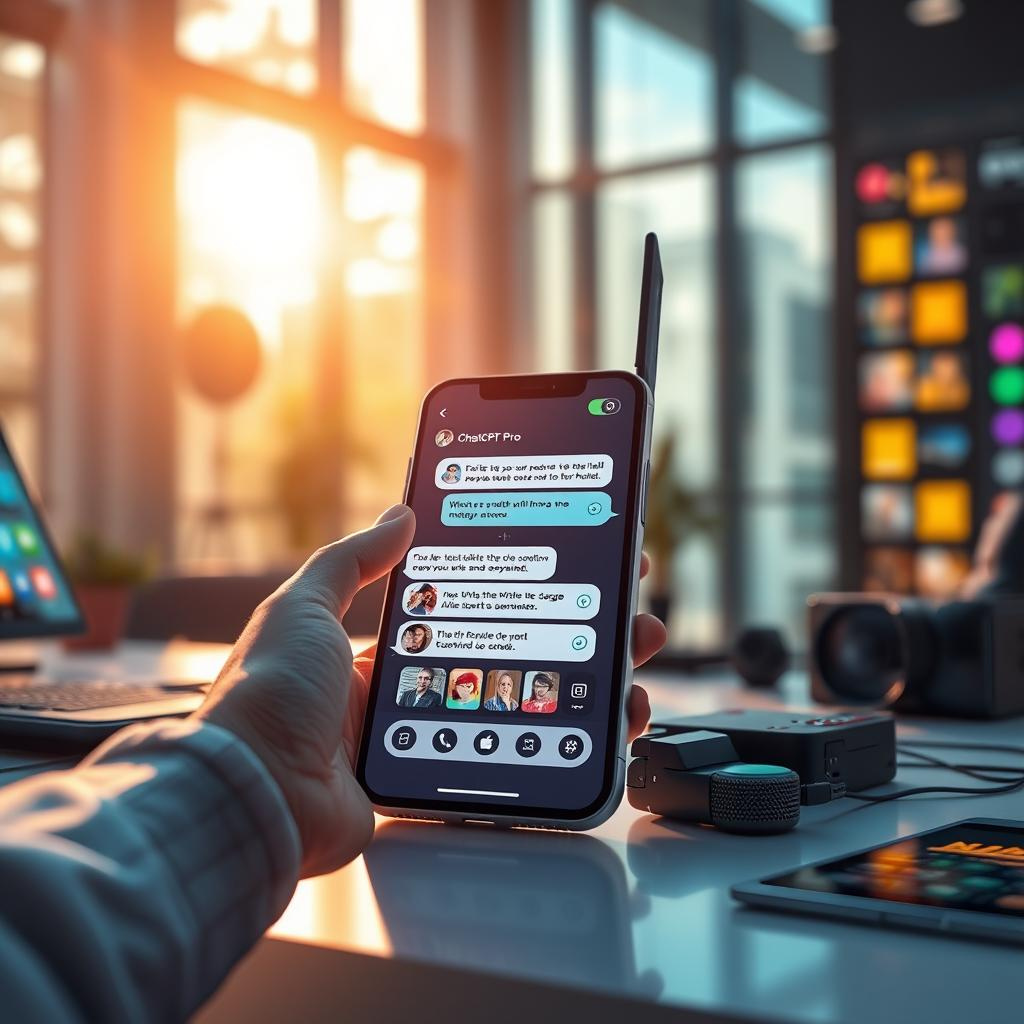
在iOS 18.2中,Apple引入了ChatGPT與Apple Intelligence的整合,以擴大用戶在支援的iPhone型號上可使用的AI功能。其中一項特別的技能是能夠在訊息應用程式中生成圖片,並準備分享。ChatGPT利用DALL·E生成圖片,結果幾乎總是比Apple的Image Playground更好。繼續閱讀以了解如何操作。

在你的iPhone上設置ChatGPT

如果你在iPhone 15 Pro或iPhone 16上啟用了Apple Intelligence,設置ChatGPT整合只需幾個步驟,甚至無需擁有ChatGPT帳戶。你可以先進行基本設置,然後在需要時再升級到連接帳戶。雖然在我們的測試中,這兩者在日常使用中差異不大。

1. 打開設置。
2. 點擊Apple Intelligence和Siri。
3. 在「擴展」下,點擊ChatGPT。
4. 打開「使用ChatGPT」旁邊的開關。

如果你有ChatGPT帳戶(免費或付費),你可以選擇在最後一個屏幕上使用你的帳戶憑據登錄。

在訊息中生成圖片

當ChatGPT整合啟用後,每當你召喚Siri時,這位語音助手會分析你的請求,看看是否需要由ChatGPT回答。不過,你也可以通過以「ChatGPT」開頭來指定希望使用ChatGPT。

所以下次當你在訊息對話中想用圖片表達某些東西時,點擊輸入欄,長按設備的側邊按鈕喚醒Siri,然後說:「ChatGPT,生成一幅貓咪閱讀魚類書籍的圖片。」給它幾秒鐘思考,ChatGPT將會把圖片放入文本框,準備分享。

如果你對輸出的結果滿意,只需點擊發送按鈕即可發送。如果圖片效果不如你所願,你有幾個選擇。你可以點擊重寫,ChatGPT將根據你的提示重新生成一幅新圖片。

另外,你也可以點擊ChatGPT提供的建議,添加具體細節,或者點擊「用ChatGPT細化」,並輸入你自己的描述以要求更精確的細節。只需點擊彩色箭頭按鈕將提示發送給ChatGPT,它將展現其魔力。

如你所見,Siri和ChatGPT的結合大大增強了語音助手的能力,超越了大多數iPhone用戶的預期。這項整合在解決問題、寫作協助、詳細解釋和逐步指導等複雜查詢方面運作良好。要了解在iOS 18.2及以後的版本中,你可以用ChatGPT做的所有事情,請務必查看我們的專門指南。

這項新功能的推出,無疑是Apple在AI領域的一個重要進展。它不僅提高了用戶的互動體驗,也展示了科技未來的潛力。隨著AI技術的進一步發展,我們可能會看到更多這樣的創新,從而使日常生活變得更加便捷和高效。這不僅是對個人用戶的吸引,也可能會影響到企業的溝通和市場推廣策略。

以上文章由特價GPT API KEY所翻譯及撰寫。而圖片則由FLUX根據內容自動生成。

🎬 YouTube Premium 家庭 Plan成員一位 只需 HK$148/年

不用提供密碼、不用VPN、無需轉區
直接升級你的香港帳號 ➜ 即享 YouTube + YouTube Music 無廣告播放

立即升級 🔗