Google密碼管理新App 一鍵快速直達!

Ai


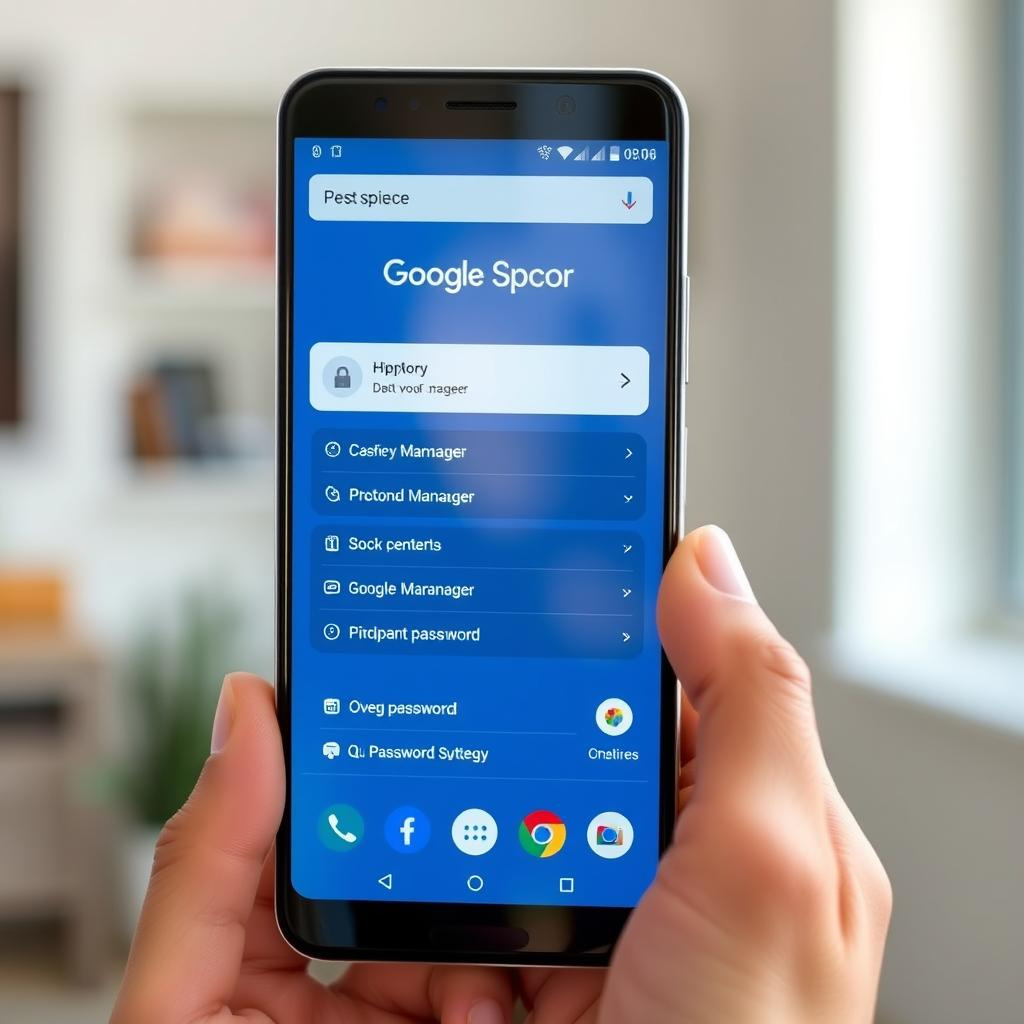
Google推出全新獨立App 方便用戶在Android裝置管理密碼

多年來,Google Password Manager一直是Android用戶儲存及管理密碼的便捷工具,並且透過Google帳戶同步,方便用戶隨時隨地取用密碼。不過,過去用家需經過一連串設定步驟(而且因手機型號不同,流程亦有所差異)才能進入Google Password Manager。最近,Google正式推出一款獨立App,讓用戶能更直接、更快捷地進入密碼管理頁面。

這款新App目前在Google Play的評價尚不足百條,但它是完全免費的,畢竟Google Password Manager本身已是Google帳戶免費附帶的功能。Google Play商店介紹指出,這款App「是一個通往你手機內Google Password Manager的捷徑,令你更快、更容易地尋找及管理密碼、通行鑰匙等資料。」

雖然這個App本身並沒有新增功能,但它令Google Password Manager的使用體驗更趨完善,與Apple隨iOS 18推出的官方Passwords App相當,提升了Google在密碼管理的競爭力。

細微但實用的改進

這款Google Password Manager App雖然是小改動,但卻是用戶體驗上的重要提升。Google並沒有為此大肆宣傳,也未在8月推出Pixel 10系列時特別提及。過往用戶可以自行為Google Password Manager加設桌面捷徑,但系統會顯示一個細細的標記,提示這並非真正的App圖示,多少影響美觀。新App則完美解決了這個問題。

與其他已內建於Android系統的Google服務(如Google Gemini)類似,這款App只是讓用戶更方便快速地使用日常依賴的服務。筆者個人仍偏好使用Proton Pass,因為它除了具備Google Password Manager的功能,還有更多附加特色。不過,Google Password Manager作為手機內建的一項安全功能,依然是不少用戶的穩妥選擇。更何況,Google Password Manager只是Android系統中眾多安全功能之一,整體安全生態日益完善。

評論與啟示

Google這次推出獨立的Password Manager App,表面看似只是「加個捷徑」的小動作,卻透露出Google在用戶體驗上的細心與對市場競爭的回應。隨著Apple iOS 18的Passwords App正式推出,Google不可避免地要在同一領域展現更多誠意和便利。這反映出現代數碼安全管理市場的激烈競爭,用戶不再滿足於功能本身,介面與易用性成為決勝關鍵。

此外,這亦說明了Google希望將密碼管理這類核心安全功能整合得更無縫,減少用戶操作障礙,提升日常使用的便利度。對香港用戶而言,這代表即使不願額外安裝第三方密碼管理工具,也能享受到Google內建的安全保障,降低數碼生活的風險。

未來,隨著密碼管理技術持續演進,如何平衡安全性與使用便捷性,將會是Google與其他科技巨頭持續探索的課題。這款App雖小,卻是Google在安全用戶體驗路上的一塊基石,值得關注。

以上文章由特價GPT API KEY所翻譯及撰寫。而圖片則由FLUX根據內容自動生成。

✨🎱 Instagram留言 →

AI即回覆下期六合彩預測

🧠 AI 根據統計數據即時生成分析

💬 只要留言,AI就會即刻覆你心水組合

🎁 完!全!免!費!快啲嚟玩!
IG 貼文示意圖 AI 即時回覆示意圖

下期頭獎號碼

📲 去 Instagram 即刻留言

🎨 Nano Banana Pro 圖像生成器|打幾句說話就出圖

想畫人像、產品圖、插畫?SSFuture 圖像生成器支援 Flux Gemini Nano Banana Pro 改圖 / 合成, 打廣東話都得,仲可以沿用上一張圖繼續微調。

🆓 Flux 模型即玩,不用登入
🤖 登入後解鎖 Gemini 改圖
📷 支援上載參考圖再生成
⚡ 每天免費額度任你玩
✨ 即刻玩 AI 畫圖
The man holding a hello kitty doll Drone photo near Christ the Redeemer in Rio. Include a close-up of the tourist using {reference_image} as the face, standing at the viewpoint. He wears a casual t-shirt, shorts, and sneakers. Drone hovers slightly in front and above him, capturing both his face clearly and the giant statue towering behind. Create a photorealistic and highly detailed image featuring the attached image walking confidently down a modern city street, accompanied by Jason Statham, Dwayne “The Rock” Johnson, and Jason Momoa acting as bodyguards.
John Wick (Keanu Reeves) is walking just beside or slightly behind the subject, holding an umbrella over him to shield from light rain.
The subject should be the central figure, wearing stylish casual clothing — like a fitted jacket, dark jeans, and sunglasses — exuding calm authority and cool charisma.
Statham, The Rock, and Momoa are dressed in black tactical-style suits, maintaining alert, protective stances, scanning the surroundings like professional bodyguards. John Wick wears his signature black suit and tie, looking composed as he holds the umbrella.
The setting is a downtown urban street with wet pavement reflecting city lights, parked luxury cars, and paparazzi in the background snapping photos.
The photo should look like a real paparazzi shot — slightly off-angle, mid-step motion blur, with realistic lighting and reflections.
Lighting: natural daylight with overcast skies, reflections from wet concrete, realistic shadows, subtle raindrops on the umbrella and clothing.
Camera realism: crisp detail on facial features and clothing textures, shallow depth of field emphasizing the group, with lens flare or light bloom for authenticity.
Mood & tone: grounded, cinematic, and stylish — feels like a moment from a celebrity entourage photo or action-movie press capture, taken with an iPhone by paparazzi.
Style: ultra-realistic, documentary-style street photography with modern cinematic sharpness.